
 Buyer Guide
A buyer's guide for B2B SaaS and PE-backed teams: what partner tiers actually measure, how to make quotes comparable, what it should cost, and when you should skip a partner entirely.
Choose the HubSpot partner whose proposal prices six line items separately (data cleanup, process design, configuration, integrations, enablement and 90 days after go-live), names the people doing the work, and ties fees to deliverables instead of open hours. Partner tier tells you how much HubSpot a firm sells, not how well it delivers. If you run one hub on Starter or Professional, have fewer than ten users and nothing to migrate, you may not need a partner at all.
 Joe LaGrutta, Founder, JayOh · Updated October 30, 2026

Disclosure: JayOh is a HubSpot Platinum Solutions Partner. This guide tells you when not to hire a partner, including us.
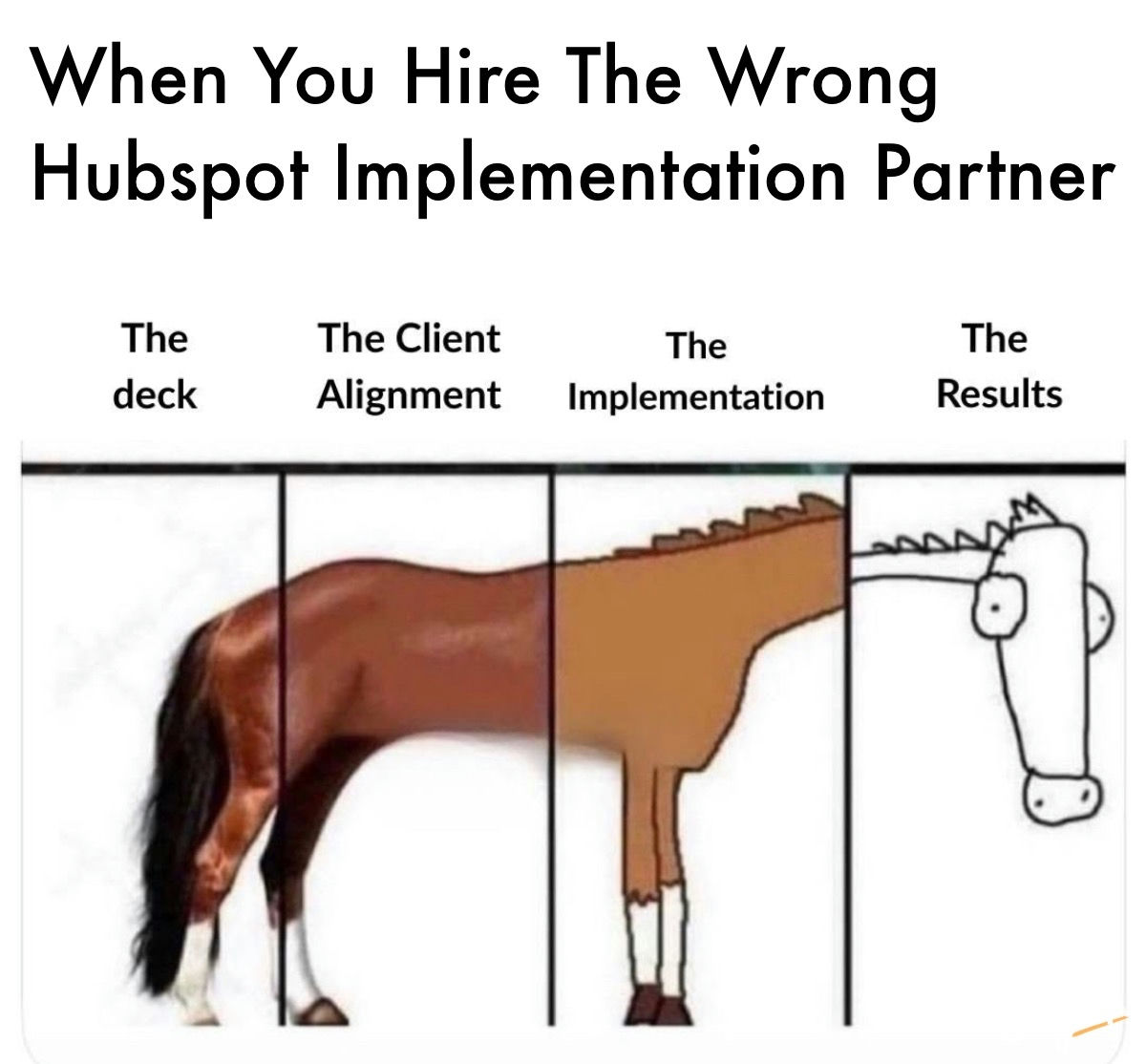
The deck looks incredible. The implementation is where it falls apart.
Every implementation partner shows you the same polished slides. Clean architecture, perfect lifecycle, dashboards that sparkle. Then the build starts, and the gap between the pitch and the result widens with every phase.
Here's why. The technical cutover, the part everyone treats as "the project," is the last 20%. The other 80% is the work nobody demos: auditing automations before you touch them, mapping every integration before something breaks, cleaning data before it moves so you're not pouring sludge into a clean system, training the team before go-live instead of after.
Skip that work and you don't get a CRM. You get an expensive database your team quietly works around.
When you choose who builds your revenue engine, don't buy the deck. Buy the implementation discipline. Ask how they handle dirty data, how they audit before migrating, how they train. The answers predict your results far better than any slide.
A CRM is only as good as the partner who implemented it. Choose like it.
#RevOps #CRM #HubSpot #Implementation #RevenueOperations
Pick the option that matches your scope and internal capacity, not the one with the best sales deck.
| Option | Best for | Typical cost | Typical timeline | Main risk |
|---|---|---|---|---|
| Do it yourself | One hub on Starter or Pro, under ~10 users, no migration, an internal owner with 10+ hours a week | License + internal time | 2–8 weeks | Process gets configured before it is designed; the owner leaves |
| HubSpot-led onboarding | Standard setups that fit HubSpot's playbook and need training more than design | Required onboarding fee: $1,500–$7,000 per hub (Pro/Ent) | 60–90 days | Coaching, not build: your team still does the configuration |
| Solutions Partner, project | Migrations, multiple hubs, integrations, custom objects, PE timelines | ~$5K–$100K+ by scope | 6–16 weeks | Lump-sum quotes that hide what is out of scope |
| Partner build + ongoing ops | Teams with no full-time admin, or a portfolio of companies on HubSpot | Project fee + ~$2K–$10K/month | Build, then continuous | Retainer with no roadmap turns into a ticket queue |
Start DIY or with HubSpot-led onboarding. Your process changes every quarter; do not pay a partner to harden it yet. Bring in help for a one-time architecture review.
Use a Solutions Partner on a fixed scope. You have a board deadline, a reporting standard to meet and usually a migration. Insist on itemized scope and 90 days of hypercare.
Partner build plus ongoing ops. Add-ons keep arriving, and each one is a mini migration. See our guide to CRM migration cost and timeline.
Still deciding whether outside help belongs in your operating model at all? Our comparison of a RevOps agency vs. in-house hire vs. fractional consultant covers that decision.
Tier is a sales-volume signal with a retention floor at the top. It is not a delivery-quality score.
HubSpot's Solutions Partner Program ranks partners as Gold, Platinum, Diamond and Elite. Tiers are earned from points tied to customer MRR the partner sources, assists or manages, per HubSpot's tier rules. Diamond and Elite also require average gross revenue retention of at least 75% and 80%.
So a higher tier proves a partner sells and keeps a lot of HubSpot revenue. It does not prove the team on your project has built your hubs, your integrations or your migration path before. Accreditations such as CRM Implementation and Onboarding are a better signal, because HubSpot requires practical evidence for them.
We're a Platinum partner, and we'd still tell you not to choose us on the badge. Judge us on the same eight signals below.
| Tier | Sourced pts | Total pts | Avg. GRR |
|---|---|---|---|
| Elite | 2,750 | 11,000 | 80%+ |
| Diamond | 1,250 | 3,750 | 75%+ |
| Platinum | 425 | 1,275 | n/a |
| Gold | 115 | 345 | n/a |
Buyers shortlist by badge. The badge measures revenue, so you shortlist the best sellers, not the best builders.
A $10K quote and a $100K quote both say "implementation." The gap is scope nobody wrote down: cleanup, process design, integrations, enablement, support.
Hourly billing rewards time spent. With AI-assisted builds, time is now a weak proxy for value, in both directions.
Without a written brief, partners "configure what you tell us," which hard-codes decisions you haven't made.
Nobody checks who actually delivers, whether work is subcontracted, or what happened on a project like yours.
of CRM deployments miss their planned objectives, per Johnny Grow (2025). Partner choice is one of the few levers you control before kickoff.
Grade every finalist on the same eight signals. The strong column is the bar for a PE-backed or Series B+ project.
| Signal | Weak | Acceptable | Strong |
|---|---|---|---|
| Scope in the proposal | One lump sum | Priced by phase | Six line items priced separately |
| Delivery team | Not named; subcontracting unclear | Lead named, rest TBD | Named in-house team with HubSpot certifications |
| Accreditation | None | Individual certifications | CRM Implementation or Onboarding accreditation |
| Client retention | Can't say | ~75% GRR (Diamond bar) | 80%+ GRR (Elite bar) |
| Time to first value | 120+ days | 90 days | 60 days for a single Pro hub |
| Post-go-live support | None | 30 days | 90 days of hypercare in scope |
| References | Logos only | 1 call | 2+ calls at your stage and stack |
| Pricing model | Uncapped hourly | Hourly with estimate and cap | Fixed fee per deliverable with acceptance criteria |
Quotes differ by 10x because scope differs by 10x. Make every partner price the same six lines.
| Line item | What it covers | Market range | What pushes it up |
|---|---|---|---|
| 1. Data cleanup + migration | Dedupe, field mapping, record and activity import, validation | $0–$40K | Record volume, number of source systems, history depth, dirty data |
| 2. Process design | Lifecycle stages, pipelines, exit criteria, routing, definitions | $2K–$25K | Number of motions (inbound, outbound, PLG, partner), decisions not yet made |
| 3. Configuration | Objects, properties, workflows, permissions, reports | $3K–$40K | Hubs, Enterprise features, custom objects, business units |
| 4. Integrations | ERP, billing, product data, enrichment, telephony | $0–$50K+ | Custom vs. native connectors, bi-directional sync, edge-case ownership |
| 5. Enablement | Role-based training, documentation, admin handover | $1K–$10K | Number of teams and regions, admin maturity |
| 6. 90 days post-go-live | Hypercare, fixes, adoption reporting | $2K–$20K | Users, change volume, whether a retainer follows |
Marketing Hub Professional $3,000, Enterprise $7,000. Sales Hub and Service Hub Professional $1,500, Enterprise $3,500. Fees stack per hub; Starter has none. Check current figures on HubSpot's pricing page.
When a Solutions Partner delivers onboarding that replaces HubSpot's, the required fee is commonly waived and recorded at checkout. Make the partner put the waiver in the SOW. If it isn't written down, budget for both.
Buy the build on fixed scope, buy ongoing ops on capacity, and only buy hours for work nobody can define yet.
| Model | What you're paying for | Works when | Watch out for |
|---|---|---|---|
| Hourly (T&M) | Time spent | Discovery, audits, truly undefined work | No incentive to be fast; AI speed shows up as fewer hours or as padding |
| Fixed fee per deliverable | A defined outcome | Implementation and migration with a clear brief | Vague acceptance criteria; change orders for anything unlisted |
| Retainer / sprint capacity | A team's monthly capacity | Ongoing admin, roadmap delivery, portfolio support | No roadmap, so it becomes a ticket queue |
| Blended | Fixed build, then capacity | Most Series B+ and PE-backed teams | Handoff gap between the build team and the run team |
Most of the work happens before the first sales call. A good brief makes bad partners obvious.
Every engagement runs on a Growth Pod: a named consultant who owns the outcome, plus the developers who build it. You meet the pod before you sign.
Good partners answer these with specifics. Vague answers are the answer.
The best buyers control the brief, the scope and the definition of done. Partners follow good buyers.
Set your weights, score each finalist 1–5, count red flags. Every red flag costs 5 points.
| Criterion | Weight | Partner A | Partner B | Partner C | Do it yourself |
|---|
Calculating...
Defaults show a common pattern: Partner A is the cheap hourly lump sum, B is itemized and fixed-fee, C has the biggest badge, and DIY scores well on cost but poorly on depth. Replace them with your own scores.
Not sure your scores are fair to every finalist? Send us the quotes you have and we'll mark up the gaps, even if we're not on your shortlist.
Paste this into your RFP so every partner prices the same scope. Fill in the brackets.
HUBSPOT PARTNER RFP: SCOPE AND PRICING REQUEST

Company: [name], [stage], [users]
Hubs and editions: [e.g. Sales Hub Pro, Marketing Hub Pro]
Leaving: [legacy CRM / spreadsheets / none], approx. [N] contacts, [N] companies, [N] deals
Integrations: [ERP, billing, product data, enrichment, telephony]
Deadline: [date and why]
Top 3 outcomes: [1] [2] [3]

Please price each line item separately. Write "not included" where it applies.

1. Data cleanup and migration
   Dedupe approach, field mapping, objects and history migrated, validation method.
2. Process design
   Lifecycle stages, pipelines and exit criteria, routing, definitions you need from us.
3. Configuration
   Objects, properties, workflows, permissions, reports and dashboards.
4. Integrations
   Each system, native or custom, sync direction, who owns errors and edge cases.
5. Enablement
   Training by role, documentation (property dictionary, workflow map), admin handover.
6. 90 days post-go-live
   Hypercare scope, response times, adoption reporting.

Also include:
- Named delivery team, roles, certifications; any subcontracted work
- Pricing model (fixed fee per deliverable, capped hourly, or retainer) and change-order rates
- Acceptance criteria and UAT plan for each line item
- Confirmation that we keep Super Admin and data ownership
- Whether you will deliver HubSpot onboarding and secure the onboarding fee waiver in writing
- Two references at our stage we can call
Claude web or desktop
Claude Code
~/.claude/skills/hubspot-partner-proposal-reviewer/SKILL.md.claude/skills/ in your repo to share with your team.Skills are available on Claude Pro, Max, Team and Enterprise plans. New to skills? Read how to use skills in Claude.
---
name: hubspot-partner-proposal-reviewer
description: Reviews one or more HubSpot partner proposals, quotes or statements of work and turns them into a like-for-like comparison. Use when a buyer is choosing a HubSpot Solutions Partner, comparing implementation quotes, checking a SOW before signing, or asking which partner proposal is stronger. Splits every quote into six standard line items, flags red flags, scores each partner on a weighted matrix and drafts the follow-up questions to send.
---

# HubSpot Partner Proposal Reviewer

You help a buyer compare HubSpot partner proposals the way an experienced RevOps operator would. The goal is a fair, evidence-based comparison, not a sales pitch for any partner.

## Inputs to ask for (only if missing)
1. The proposals, quotes or SOWs (pasted text or files). One per partner.
2. The buyer's problem brief: hubs and editions, number of users, systems being migrated, integrations, deadline, and the three outcomes that matter most.
3. Optional: weights for the scoring criteria. If none are given, use the defaults below.

## Step 1. Split every quote into six line items
For each proposal, map what it says into these six line items. Quote the exact sentence from the proposal as evidence for each one.
1. Data cleanup and migration (dedupe, field mapping, record counts, who fixes bad data before import)
2. Process design (lifecycle stages, deal pipeline stages and exit criteria, routing rules, decisions the buyer has not made yet)
3. Configuration (objects, properties, pipelines, workflows, reports, permissions)
4. Integrations (how many, which systems, who owns edge cases and sync errors)
5. Enablement (training by role, documentation, admin handover)
6. Post-go-live support (how many days, what is included, response times)

Mark each line item as: Priced separately, Included but not priced, Vague, or Missing. Never assume something is included because the proposal sounds confident.

## Step 2. Check the red flags
Flag each one that applies, with the evidence:
- One lump-sum price with no line items
- Data cleanup missing or described as the client's job with no plan
- Configuration of process the buyer has not decided yet, with no design phase
- No acceptance criteria or user acceptance testing plan
- No documentation deliverable (property dictionary, workflow map, admin guide)
- Post-go-live support under 30 days or missing
- Hourly billing with no cap, estimate range or change-order rule
- The partner, not the buyer, keeps super admin or owns the portal
- Delivery team not named, or delivery subcontracted without saying so
- HubSpot onboarding fee waiver promised verbally but not in writing
- Timeline shorter than the scope can support (for reference, HubSpot plans 60 days for Sales or Service Hub Professional onboarding and 90 days for Marketing Hub and Enterprise)

## Step 3. Score on a weighted matrix
Score each partner 1 to 5 on each criterion. Default weights (sum to 100):
- Fit with your stage, industry and hubs: 20
- Delivery depth (named team, accreditations, working-session quality): 20
- Scope clarity (six line items, acceptance criteria): 20
- Pricing model alignment (fixed-fee or capped, not open hourly): 10
- Post-go-live ownership (90 days is strong): 10
- References at your stage: 10
- Total cost of the six line items: 10

Weighted score = sum of (score x weight) / 5, out of 100. Subtract 5 points per red flag, to a minimum of 0. Also score a Do it yourself column when the buyer has an internal owner, so the buyer can see when DIY wins: DIY usually fits one hub, Starter or Professional, under about 10 users, no migration and no custom integration.

## Step 4. Output format (always use this)
1. Summary: two sentences on who leads and why.
2. Line-item table: rows are the six line items, columns are partners, each cell shows the status and price if given.
3. Red flags: per partner, a list with the quoted evidence.
4. Scorecard: criteria by partner with weights, the weighted score and the red-flag deduction.
5. Questions to send: up to 8 per partner, specific to what is vague or missing.
6. Missing evidence: anything you could not judge from the documents.

## Guardrails
- Quote the input as evidence for every judgment. If you cannot find evidence, say so.
- Never invent prices, timelines, accreditations, tiers or client names.
- If a number is missing, list it under Missing evidence instead of estimating it.
- Partner tier on its own is not evidence of delivery quality. HubSpot awards tiers mostly from revenue points; retention only gates Diamond and Elite.
- Stay neutral. Recommend doing it yourself when the evidence says so.

Built by JayOh (jayoh.io). Full guide: https://jayoh.io/choose-hubspot-partner/
Straight answers to the questions buyers ask before they sign.
Write a one-page brief, shortlist five to eight partners from the HubSpot Solutions Directory, send all of them the same RFP with six priced line items, run a working session with each finalist, call two references at your stage, and score them on a weighted matrix. Pick the one with the clearest scope, a named team and 90 days of post-go-live support, not the biggest badge.
A little. Tiers are earned mostly from the HubSpot revenue a partner sources, assists or manages, and only Diamond and Elite require minimum client retention of 75% and 80%. Tier tells you a partner sells and keeps HubSpot customers. Accreditations, a named team and same-stage references tell you more about delivery.
Often not. HubSpot charges a required onboarding fee on Professional and Enterprise editions, from $1,500 to $7,000 per hub. When a Solutions Partner delivers onboarding that replaces HubSpot's, the fee is commonly waived and recorded at checkout. Get the waiver in writing in the SOW.
In JayOh's experience, about $5K to $25K for a focused single-hub Professional setup, $25K to $100K for multiple hubs with a migration and integrations, and more for Enterprise or post-acquisition consolidation. Data volume, integrations and undecided process drive most of the spread.
Buy the implementation as fixed fees per deliverable with acceptance criteria, buy ongoing operations as monthly capacity with a roadmap, and use hourly billing only for discovery or work nobody can define yet. Uncapped hourly billing rewards time spent, not results.
When all of these are true: one hub, Starter or Professional, fewer than about ten users, nothing to migrate, no custom integrations, and an internal owner with at least ten hours a week. If two or more are false, outside help usually pays for itself.
It can make sense when the same partner is implementing and supporting the portal, because one party owns both the commercial relationship and the build. Compare the license price, the onboarding waiver and who you call for support. JayOh explains how this works on its HubSpot partner page.
Most HubSpot projects don't fail on configuration. They fail on everything that wasn't in the quote: the dirty data, the decisions nobody made, the integration edge cases and the quiet 90 days after go-live. The right partner prices those out loud, puts names on the work and is still there in month four. If a partner can't itemize, that tells you plenty.
HubSpot Platinum Solutions PartnerWe'll review your brief and the quotes you already have, and tell you honestly whether you need a partner at all.
Recent JayOh outcomes: $2.2M pipeline in 90 days, 90% fewer CRM data errors, a 28% lift in forecast accuracy.


